
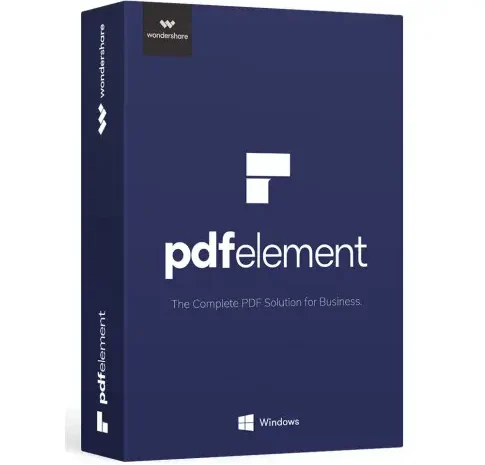


Wondershare PDFelement Pro 2026 Preactivated For Lifetime (Windows)
Transform the way you manage PDF files with Wondershare PDFelement — an advanced all-in-one PDF editor designed for professionals, students, offices, and businesses. Wondershare PDFelement Pro 2026 offers powerful PDF editing, conversion, OCR, form creation, annotation, security, and AI-powered tools in a modern and easy-to-use interface.
Perfect alternative to expensive PDF software, PDFelement Pro allows you to create, edit, convert, organize, compress, and secure PDF documents with just a few clicks.
Main Features
Edit PDF Like Word
- Edit PDF text, images, pages, links, backgrounds, headers, and footers
- Change font size, style, and formatting
- Add or remove images easily
- Smooth drag-and-drop editing interface
Convert PDF to Multiple Formats
Convert PDFs without losing formatting:
- Word
- Excel
- PowerPoint
- JPG / PNG
- HTML
- EPUB
- TXT and more
Create & Fill PDF Forms
- Create fillable PDF forms
- Add checkboxes, dropdowns, buttons, signatures, and text fields
- Auto-recognition for form fields
- Export form data to Excel
Annotation & Review Tools
- Highlight text
- Add comments and sticky notes
- Draw shapes and stamps
- Underline and strikeout text
- Digital signature support
Advanced Security Features
- Password protection
- Restrict printing, editing, and copying
- Redaction tool for sensitive information
- Secure digital signatures
Organize PDF Pages
- Merge multiple PDFs
- Split PDF files
- Extract pages
- Rotate, crop, reorder, and delete pages
Batch Processing
Save time with bulk operations:
- Batch convert
- Batch OCR
- Batch compress
- Batch watermark
- Batch print
System Requirements
Operating System: Windows 11 / 10 / 8 / 8.1 / Windows 7
Processor : 1 GHz or faster processor
RAM: Minimum 2 GB RAM
Hard Disk Space: 2 GB free storage space




Reviews
There are no reviews yet.