
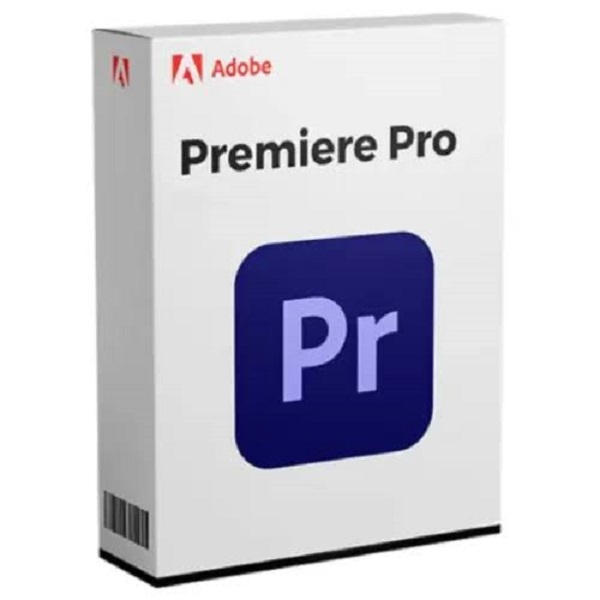


Adobe Premiere Pro 2024 / 2025 / 2026 for Mac – Video Editing Software
Professional Video Editing for macOS
Adobe Premiere Pro is a powerful professional video editing application designed for creating high-quality videos, films, YouTube content, social media reels, commercials, documentaries, and more.
Choose the version compatible with your Mac and workflow, including Premiere Pro 2024, 2025, or 2026.
Key Features
- Professional video editing tools
- Multi-track timeline editing
- Support for HD, 4K and high-resolution video workflows
- Advanced color correction and grading tools
- Professional audio editing capabilities
- Motion graphics and titles
- Video transitions and effects
- Multi-format video import and export
- Proxy workflow for smoother editing
- GPU acceleration on compatible Mac systems
- Integration with compatible creative workflows
- Ideal for YouTubers, video editors, filmmakers and content creators
Compatibility
Supported Devices
- Apple MacBook
- iMac
- Mac mini
- Mac Studio
- Compatible Apple Silicon Macs
Recommended Hardware
- Apple Silicon Mac recommended for better performance
- Minimum 8GB RAM
- 16GB or more unified memory recommended for professional editing
- Fast SSD storage recommended
- Additional high-speed storage recommended for video projects and cache
Compatibility varies by Premiere Pro version. Please check your macOS version and Mac hardware before purchase.
What’s Included
- Selected Adobe Premiere Pro version for Mac
- Installation files / download access (as applicable)
- Installation guidance
- Basic installation support
Perfect For
- YouTube Video Editing
- Instagram Reels
- Social Media Content
- Short Films
- Documentary Editing
- Wedding Videos
- Corporate Videos
- Tutorials
- Marketing Videos
- Professional Content Creation
Important Information
- This product is for macOS only.
- Please select the correct version according to your Mac compatibility.
- Performance depends on your Mac hardware, available RAM, GPU/unified memory and storage speed.
- Apple Silicon Macs are recommended for modern versions and demanding video editing workflows.
- Keep sufficient free disk space available during installation and editing.
- Features and compatibility may vary between software versions.




Reviews
There are no reviews yet.